Vikings IPTV on Fire TV Stick: install in minutes
June 28, 2026 · 6 min read
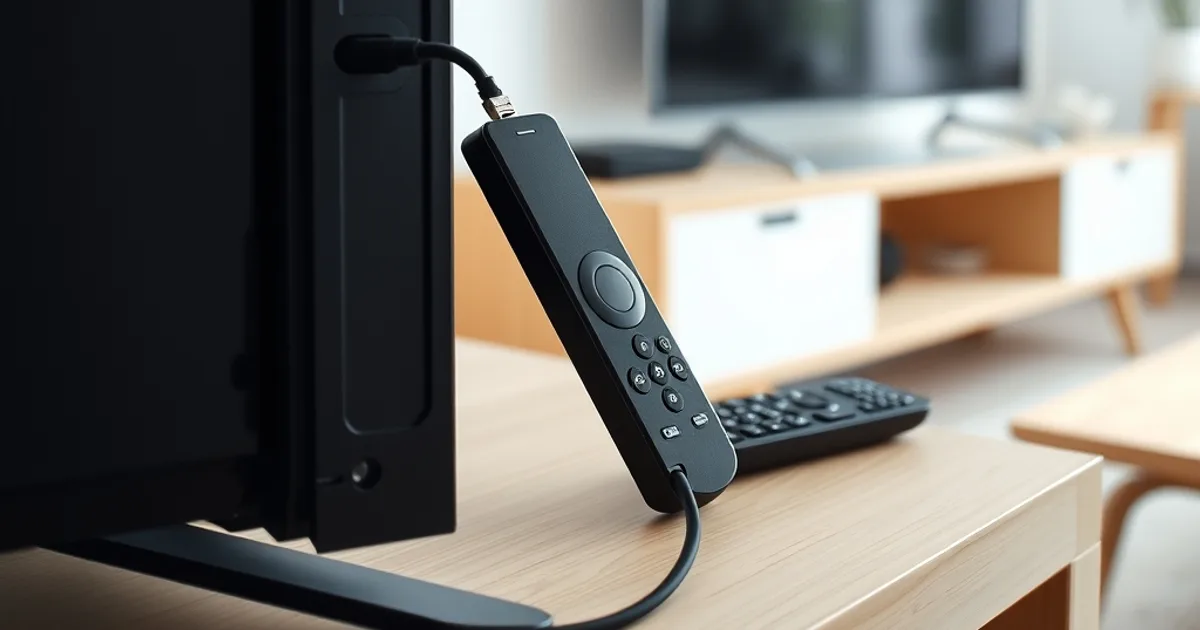
Vikings IPTV on Fire TV Stick is one of the fastest ways to get Sverige, Suomi, Norge and Danmark channels — plus a wide international line-up — onto a TV you already own. This guide walks through installing an IPTV app, adding your credentials and the settings that keep the picture steady.
Whether your TV is brand new or an older set with a spare HDMI port, Vikings IPTV works the same way on Fire TV Stick: order, receive your credentials, load them, watch.
Before you start: order your Vikings IPTV plan
Order a Vikings IPTV plan first — Standard from €18 or Premium from €25 for 3 months — and your credentials (an M3U link or Xtream codes) arrive shortly after payment over WhatsApp. Keep them close; you will type them into the Fire TV Stick app in the next step.
A stable Wi-Fi connection, or better, an Ethernet adapter on the Fire TV Stick, gives the smoothest picture, especially during live sport on the Premium tier.
Ready to load Vikings IPTV on your Fire TV Stick?
Install an IPTV app on your Fire TV Stick
On the Fire TV Stick home screen, search the Amazon App Store for an IPTV player such as IPTV Smarters Pro or TiviMate and install it. Open the app, choose "Add playlist" or "Xtream codes", and enter the Vikings IPTV credentials you received after ordering.
The Nordic and international channel guide loads within moments, alongside the movies and series library, in SD, HD, Full HD or 4K depending on your connection.
Getting a steady Nordic stream
For Full HD, around 10 Mbps is enough; for 4K on supported titles, aim for at least 20-25 Mbps. Restarting the Fire TV Stick before a big Nordic match or a Sverige prime-time broadcast clears its memory and helps keep the stream smooth.
If a channel briefly buffers, switching away and back usually reconnects instantly. Premium subscribers on our leading-market servers see this least often during peak hours.
Compare Standard and Premium before you order.
Quick troubleshooting
Most Fire TV Stick issues trace back to Wi-Fi signal strength: move the router closer, use a mesh point, or switch to an Ethernet adapter. If credentials will not load, double-check for extra spaces when pasting the M3U link or Xtream codes.
Still stuck? Vikings IPTV support answers setup questions over WhatsApp and can walk you through it step by step.
Frequently asked questions
Which app should I use for Vikings IPTV on Fire TV Stick?
IPTV Smarters Pro and TiviMate both work well with Vikings IPTV credentials (M3U link or Xtream codes).
How fast does my internet need to be?
About 10 Mbps is enough for Full HD; for 4K on supported titles, aim for 20-25 Mbps or more.
What do I do if the stream freezes?
Switch channels away and back to reconnect, or restart the Fire TV Stick before a big match to clear its memory.
Read next: the pricing page or the FAQ.